
 EST
 GER
Regio API landing page
Automatic translation by ChatGPT
We have great news!
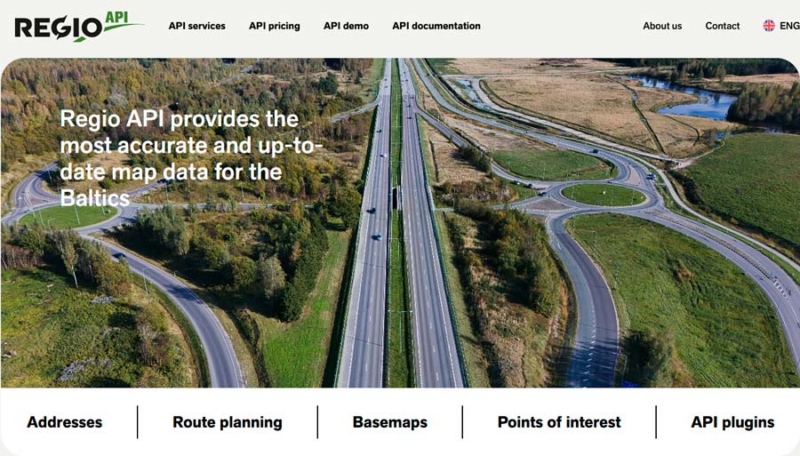
Regio is constantly developing its services, and Regio API is an important part of this. Recently, we have enhanced our existing services, added new features, and made several technical updates.
Now, all of this has been brought together in one place – the new Regio API website. Our main goal was to make a technically complex product easier to understand. You no longer need to start by reading extensive technical documentation to get familiar with the API. The new website provides a quick overview of the services Regio offers and what they can be used for, and several features can also be tried out right away.
Finding the right address
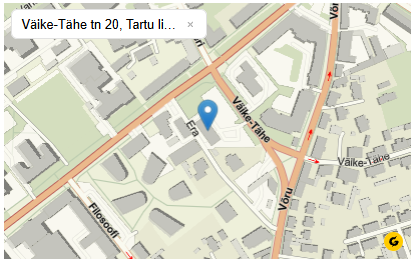
Addresses are certainly one of the most important topics. Regio’s address services allow you to search for and verify addresses, convert addresses into coordinates and coordinates back into addresses, and use structured address data.
For example, an address search can be used in an online store when placing an order, or the nearest address can be determined based on GPS coordinates. On the Regio API website, you can try the address search yourself and see what results the search returns.
Route planning
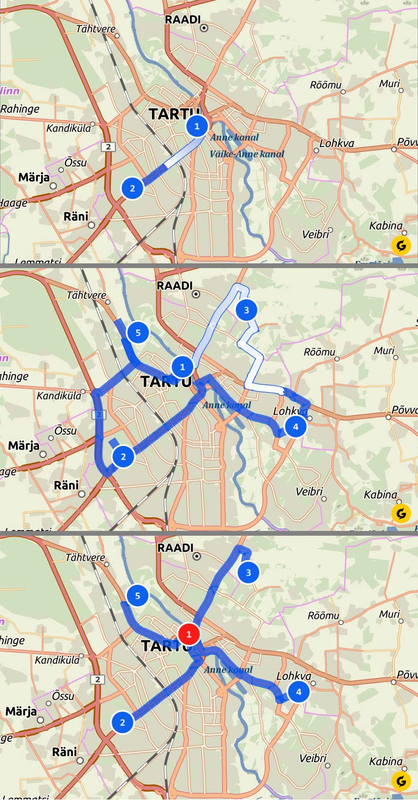
The Routing API allows you to calculate routes, travel times, and distances, as well as optimize routes with multiple stops.
The distance matrix calculates distances and travel times between multiple origins and destinations.
https://api.regio.ee/landing/en/routing-services
Choosing the right basemap
Regio API provides access to both raster and vector basemaps. Examples have been added to the different basemap options, making it easy to compare them: https://api.regio.ee/landing/en/basemap-services.
Finding points of interest (POIs)
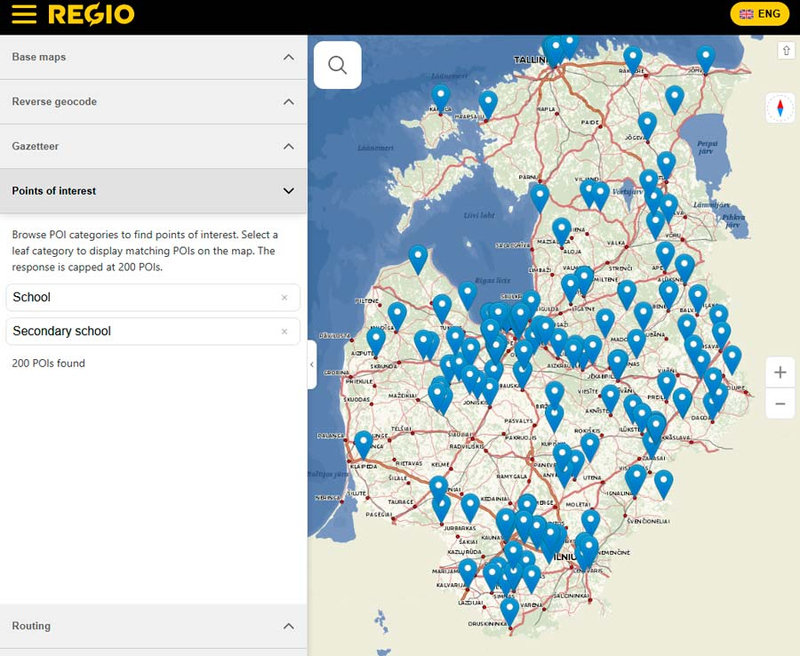
The POI API allows you to search for points of interest by location and category, such as restaurants, petrol stations, shops, or other objects. POI data can be used both for displaying on a map and together with other Regio API services: https://api.regio.ee/landing/en/poi-services.
Using ready-to-use plugins
You do not always have to start from scratch when developing your own integration to use Regio API features.
There is a Regio API plugin for QGIS that allows you to use Regio services directly in QGIS: https://api.regio.ee/landing/en/api-plugins#qgis.
For WooCommerce, there is an address search plugin that adds Regio address search directly to the online store checkout. This helps customers find their address faster and ensures that the online store receives accurate address data: https://api.regio.ee/landing/en/api-plugins#woocommerce.
Try the demo
With the Regio API Demo, you can try and test the services before integrating them.
The Demo includes all the essentials:
- search for addresses;
- switch between basemaps;
- calculate routes;
- display POIs.
We have previously written more about the Demo on our blog.
On the new API website, you can explore the Demo and other services and order an API key.
The API documentation is still being updated. A new version with enhanced endpoints, features, and examples will be available soon.
Everything in one place
Everything is now available in one place on Regio’s new API website:
- clear service descriptions;
- practical examples;
- visual comparisons of maps;
- Demo;
- plugins;
- technical documentation.
This makes it quick and easy to understand which Regio API features are best suited for a particular task, try them out, and move on to integration.
Good testing and using, and if you have any questions, feel free to get in touch!
 Alisa Lillemets